
Monthly shifts
Each shift is one calendar month with a patient target you set when you open it.
How it works
Choose how many patients you want to treat. Prescribe books from the prompts given. Genres become wards of the hospital. Read your books and discharge your patients before the month ends.
Choose how many patients you want this shift (i.e., how many books you want to read that month).
Every patient comes in with a presenting symptom. Assign a treatment plan by prescribing a book that would fit the prompt.
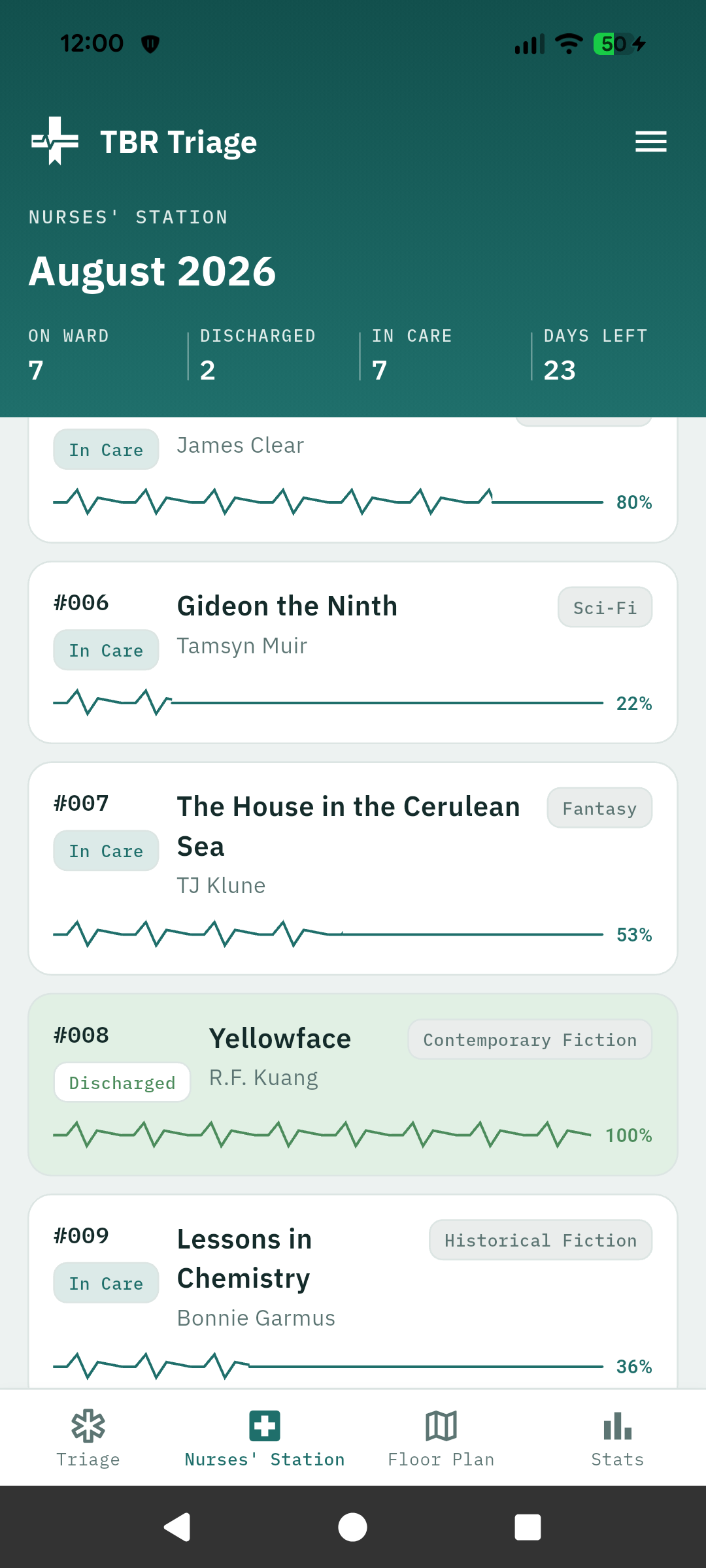
Now that the patients are admitted, let's get reading! Track your progress as you go if you want to keep track of stats. Finish a book to discharge a patient. But watch out! Conditions will turn Serious or Critical as it gets closer to the end of the month.
If you finish your books early, feel free to take some overtime by choosing to triage a few more patients. Otherwise, at the end of the month close the shift. Any unfinished patients can roll into the next month as Critical.
In the app
The four views of your month from patients waiting to be admitted all the way to hospital stats.
On the floor
Each shift is one calendar month with a patient target you set when you open it.
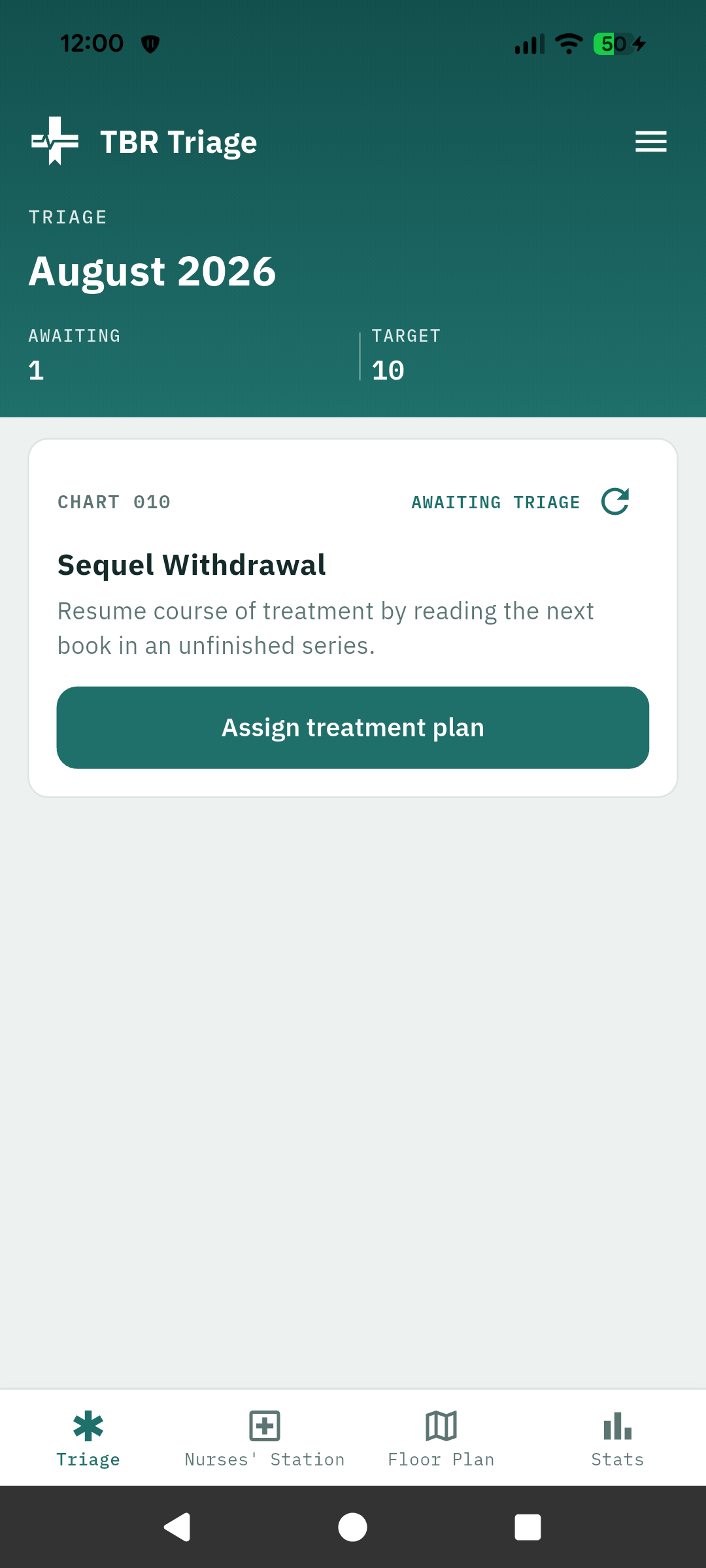
Patients arrive with a description of symptoms. Assign a book that fits that prompt as a treatment plan. If you don't have a book that fits you can refresh that prompt for a new one.
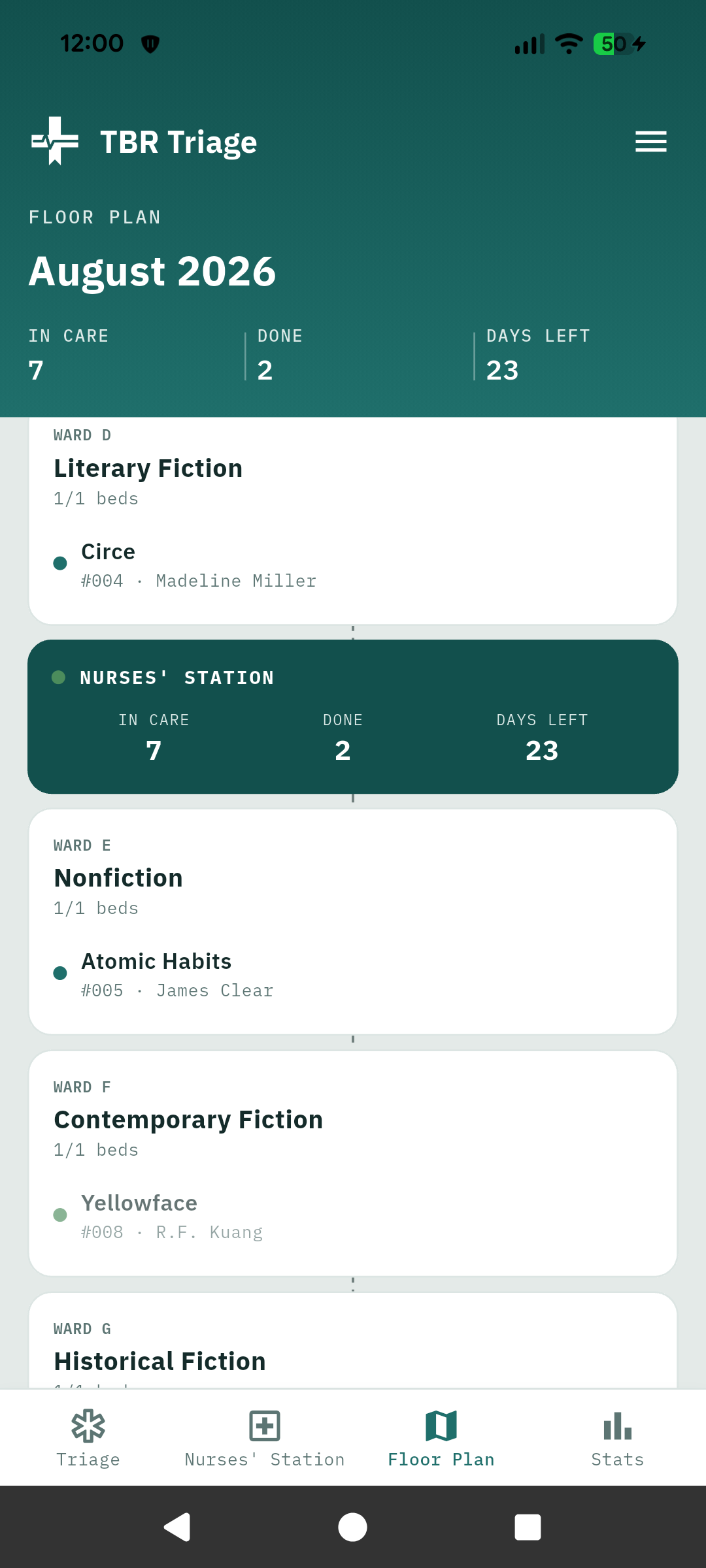
When you prescribe a book, you will enter title, author, book format, page count/total hours and minutes, and genre. The genre decides where it will go on the hospital floor plan.
Once patients are admitted, they will be moved to In Care once you start reading, and discharged once you finish. If you choose to track your progress, you will see the EKG reading as your progress bar. And don't forget to rate your books when you're done (we have half stars!).
Stock unread books that you may want to read in the future for later. These can be assigned to future patients that fit the prompt if you choose.
Track books that you're reading outside of patient prompts.
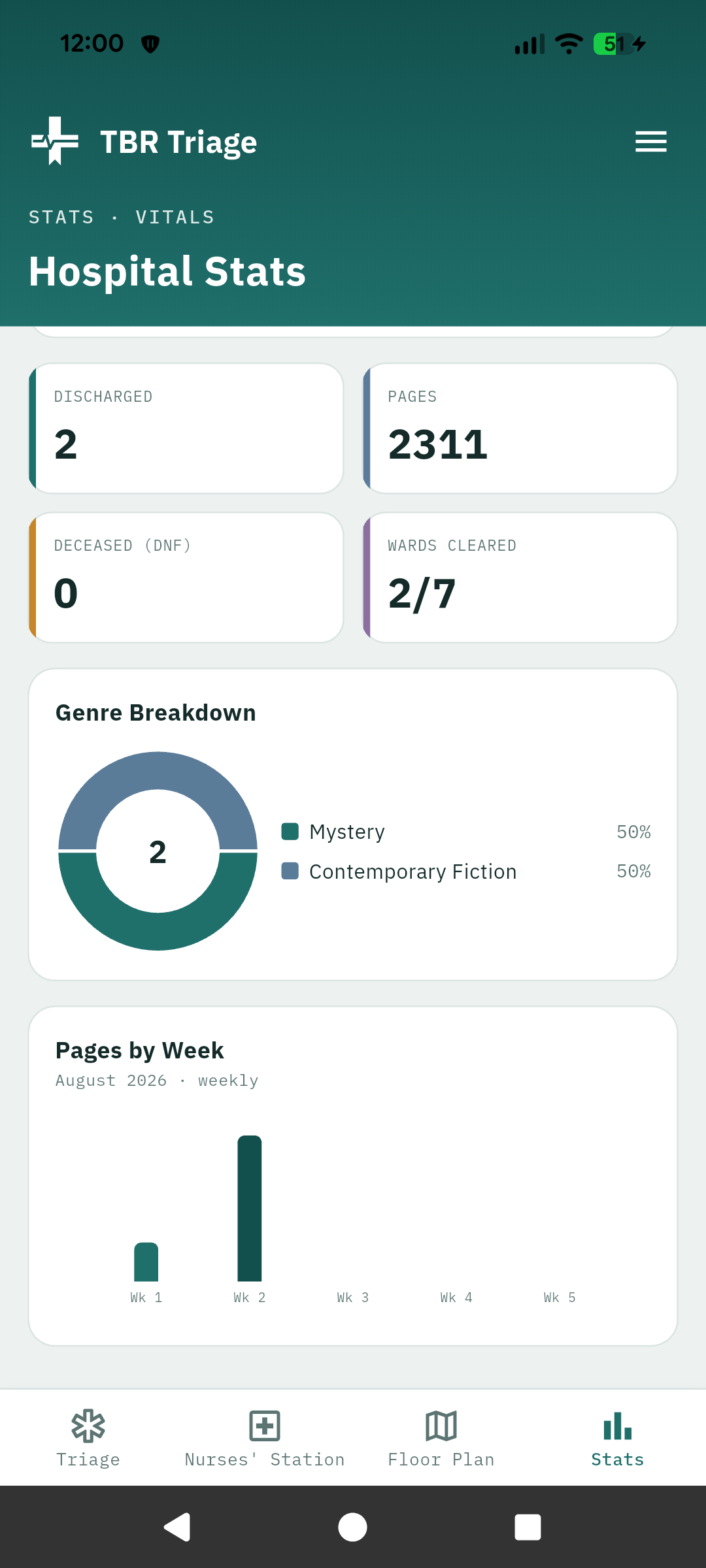
See all the information from your past shifts here.
Want to know what you're reading for the following month before the current shift is over? You'll be able to choose the number of patients, see your prompts, and get a head start in assigning them treatments, but they won't be admitted to the hospital until the current shift is closed.
If triage is empty and days remain in the month, and you think you have the capacity to take on a few more patients, feel free to take OT by adding a few more patients and treatments to your month.
When the month is over, finish discharging any patients, review what you achieved, and any unfinished books will rollover to the next shift, but in Critical status.
If you DNF a book, the patient will be marked as deceased and moved off the floor.
Optional backup of your books, shifts, and stats, so you don't lose any of your data.
Condition
Condition of your patients is determined by how many days left in the shift. You can customize these thresholds in Settings.